



Focus on the game
Not the score
SCORE? counts your point right on your wrist – and shows the current score exactly where you need it.
One point.
One click.
Next.
The System
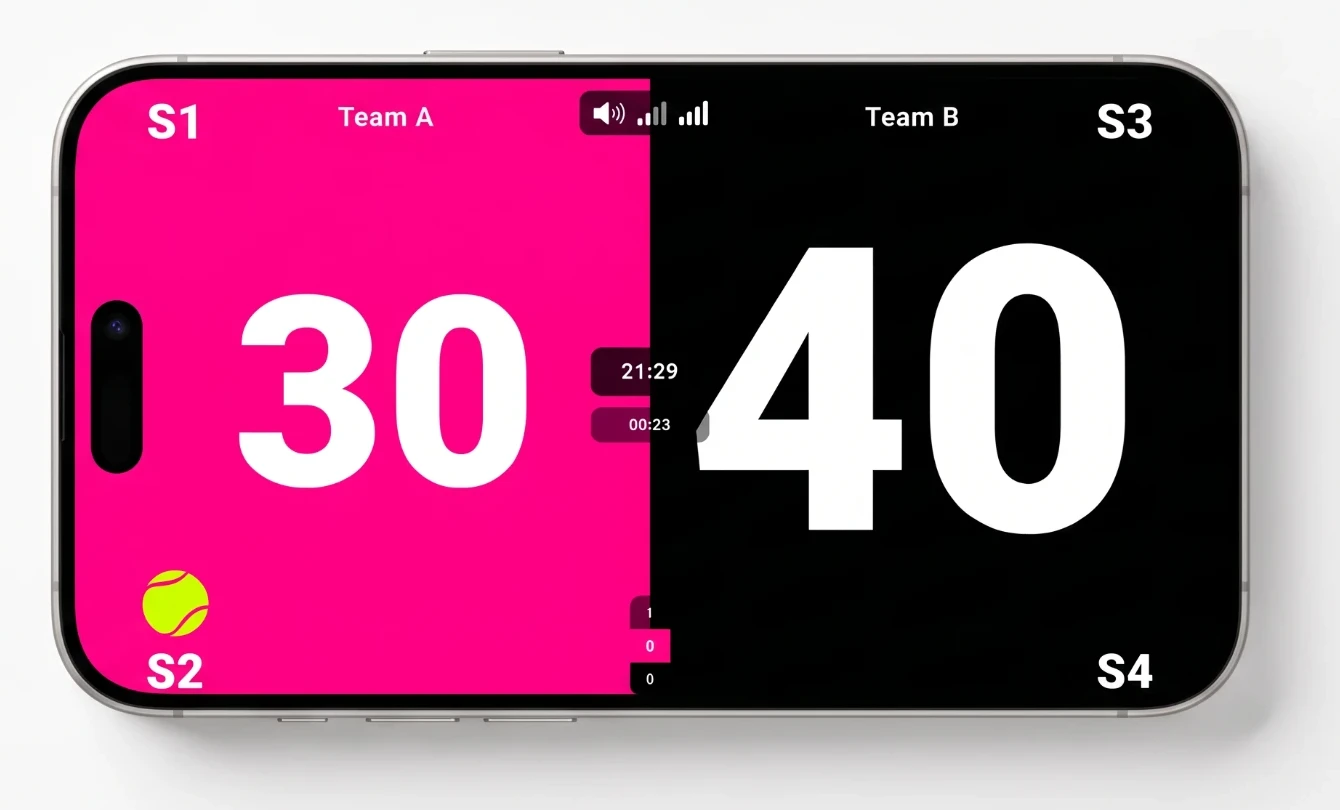
Band, app and board work together: count on your wrist, control on your phone, see it on the court.
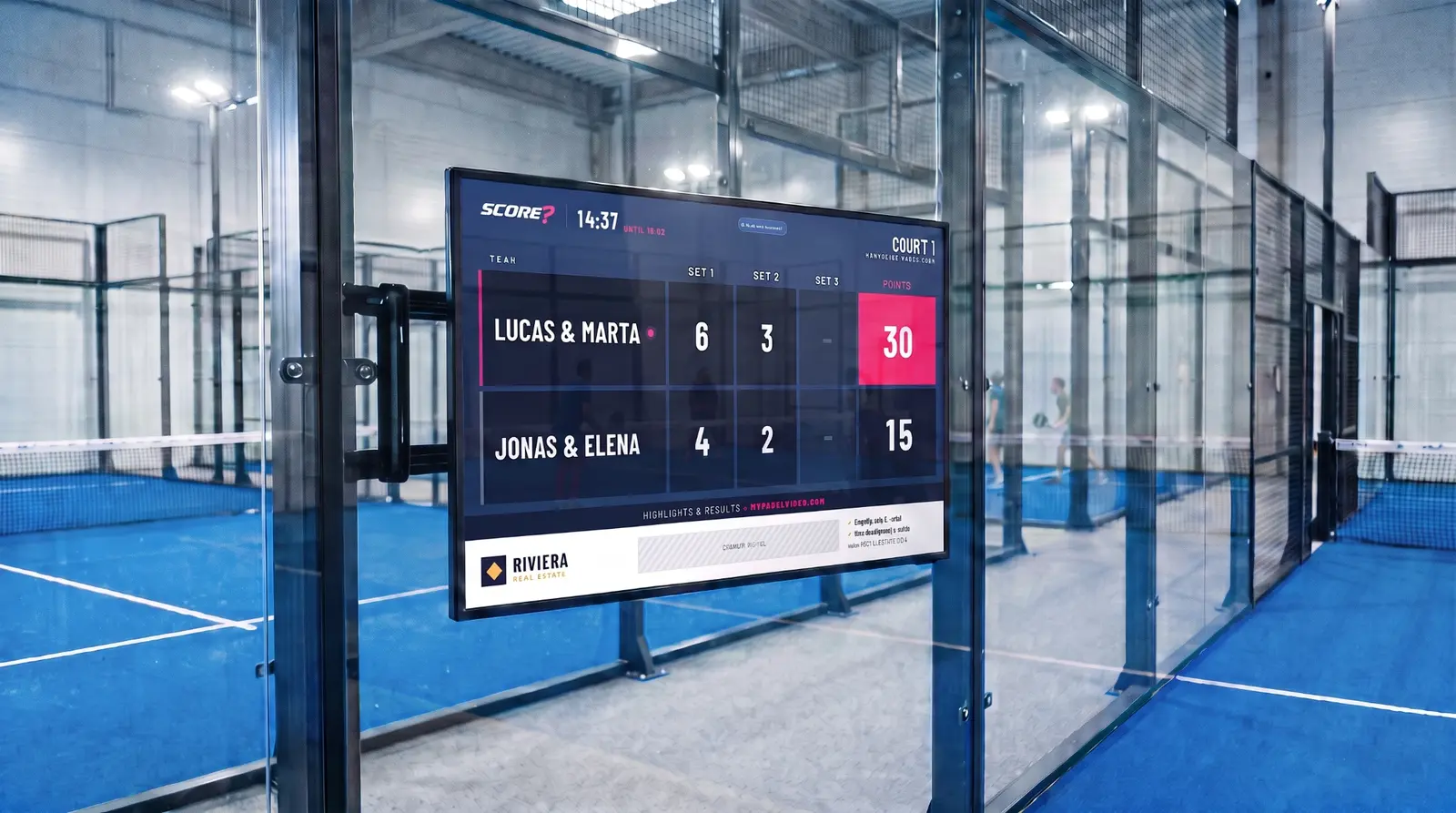
How to play with SCORE?
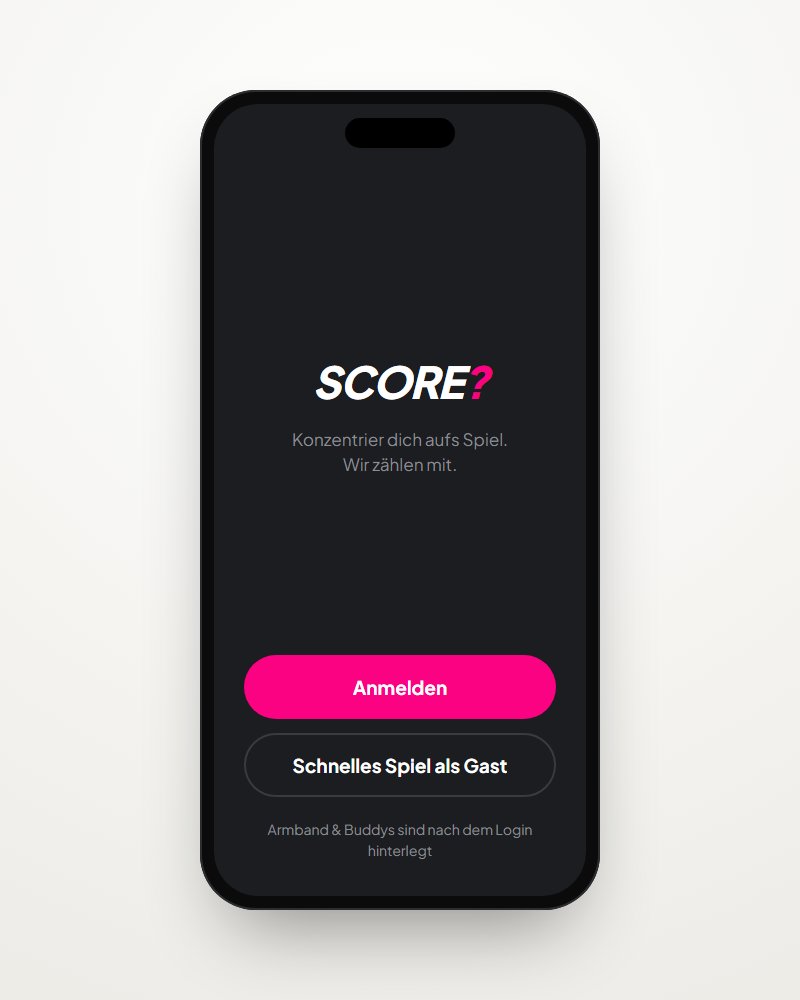
Step 1
Start a match in the SCORE? app
Either start a quick match as a guest or log in – then your SCORE? Band and your buddies are already set up.
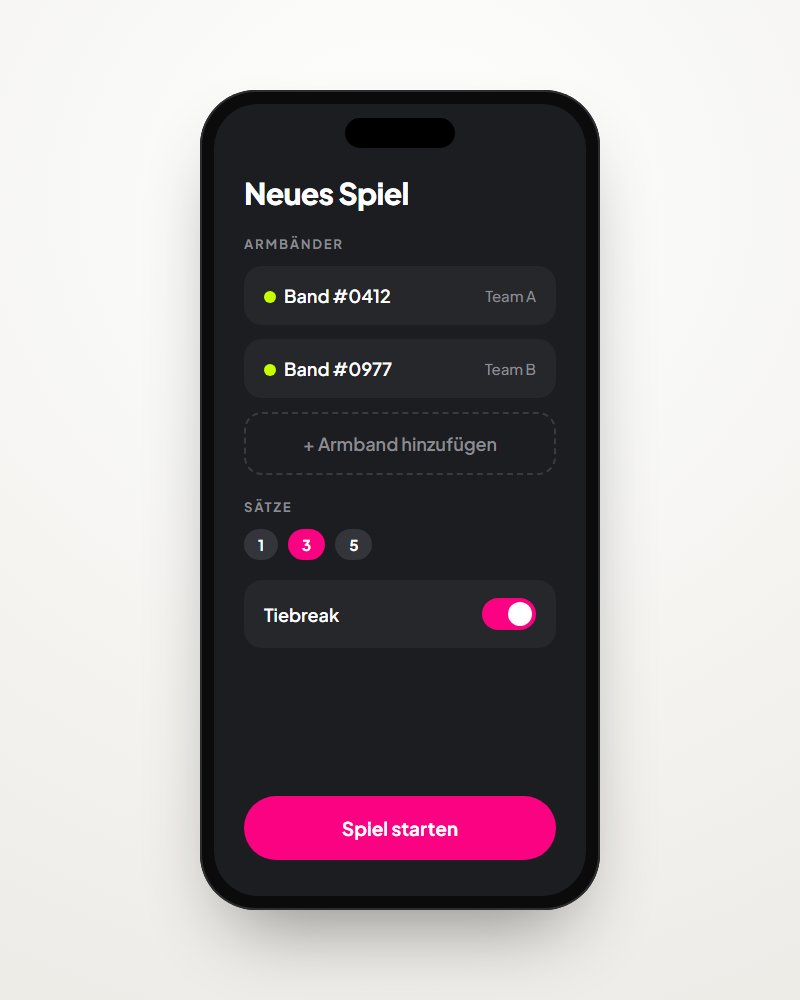
Step 2
Choose your match options
Add SCORE? Bands, assign teams, set the number of sets and much more.
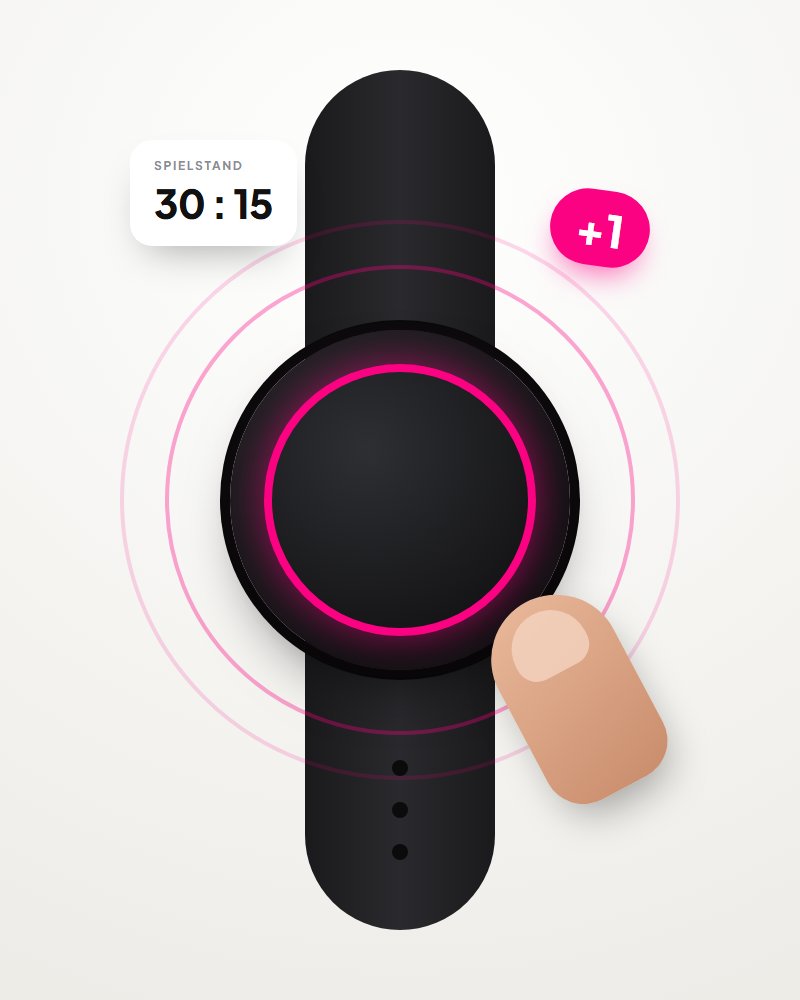
Step 3
Play and click
Click your SCORE? Band after every point. The app updates the score for you.
Step 4
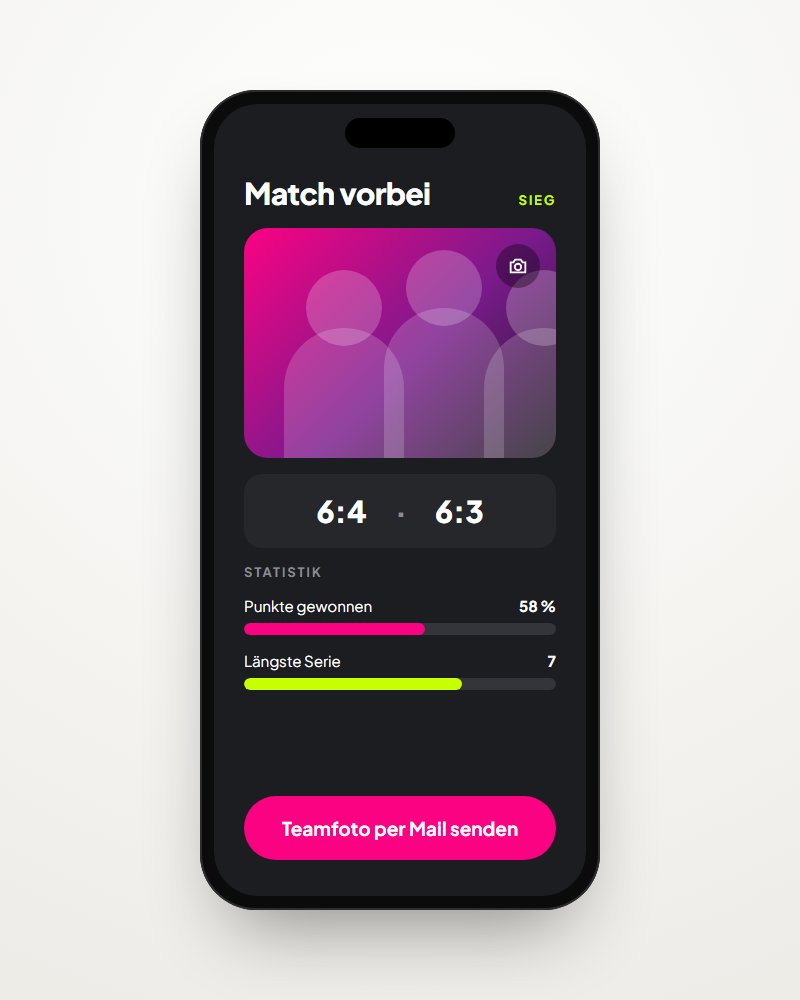
Stats and team photo
After the match, check out your stats and create a team photo that you receive by email.
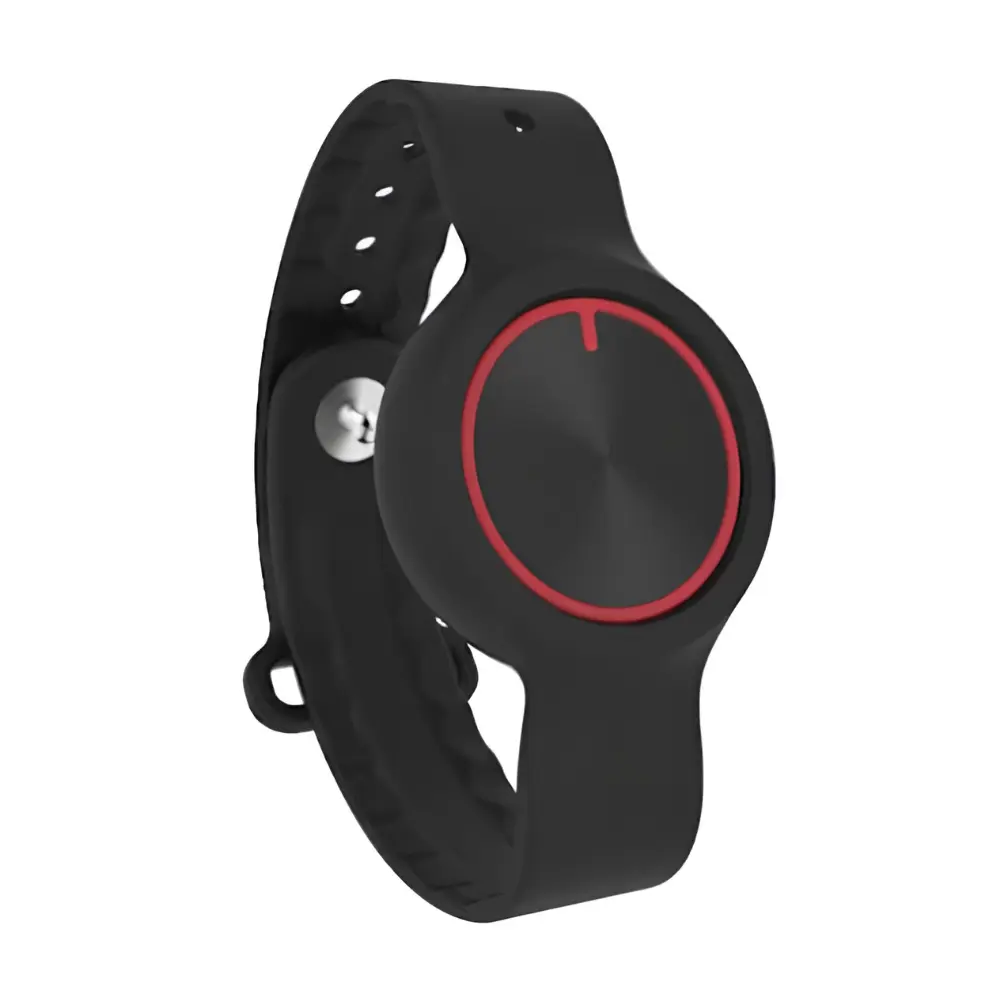
The SCORE?–Band
Every click counts.
Counts at the push of a button
One click counts a point for you. A double click corrects the last point.
Signs you into the app
With the band you can sign into the app directly, without typing.
Waterproof
Rain, puddles, the shower after – the band stays on.
Vibration feedback
A short vibration tells you the click was registered.
Very long battery life
Count for a whole season without thinking about the charging cable.
The SCORE? App

Coming soon